Sources and capture
A source can be a screen region, monitor, window, camera, URL, video, image or folder. Frames retain their source and timeline position.

Classical algorithms and machine-learning models, markup, AI-agent assistance, and a built-in development environment are provided in one shared workspace. A prepared foundation and component management reduce the setup required before working on a task.
For supported tasks, library sets are prepared and tools are provided for installing and checking components. This reduces the manual work needed to set up an environment and connect separate tools.
Image processing, filters, contours, and matching.
A runtime environment and tools for managing suitable models.
Components for text recognition, video operations, and local speech.
Script execution and agent-assisted work with code using project data.
Screph stores source materials, markup, descriptions and computer-vision results in one project. Changes to the main markup are applied separately.
A source can be a screen region, monitor, window, camera, URL, video, image or folder. Frames retain their source and timeline position.
Elements, regions, features, groups, annotations and relations are edited on a shared canvas. Tree branches can be exported separately.
The main project stores source materials, markup, relations, descriptions and method results. Screph Code, Automation Runtime and external tools receive project data through separate paths.
An agent can be assigned supported markup operations and preparation of processing recommendations. The source material, results, and changes remain available for review in the workspace.
The assistant helps prepare areas and markup operations. Suggested changes are reviewed before they are applied to the main markup.
For the selected area, the agent suggests a computer-vision method and its settings. Reviewing the recommendation, applying the parameters, and starting processing remain separate actions.
The built-in agentic IDE uses selected project data for work with code. File changes require review; code execution is started separately.
Agent-assisted work requires a configured connection to a suitable LLM. Capabilities depend on the selected model and available tools.
A shared graphical workspace and prepared components reduce technical preparation. You can start with an image, markup, and method comparison, then move gradually to models, agents, and code.
Shared project data, method sequences and graphs, agent assistance, and built-in development make it possible to organize repeated operations and work on a prototype. Supported components can still use a custom environment.
The prototype can be developed further within the available tools, or work with the data and code can continue in an external environment. Screph's applicability to large projects has not yet been tested in practice.
Выберите маршрут и проследите за действиями в обновлённом интерфейсе Screph с голосовым описанием. Демонстрация использует подготовленные данные и не запускает локальные файлы, модели и устройства.
Visual sources, annotation, relationships, and descriptions provide a foundation for work involving interface and process analysis, automation design, or preparation of AI-ready data.
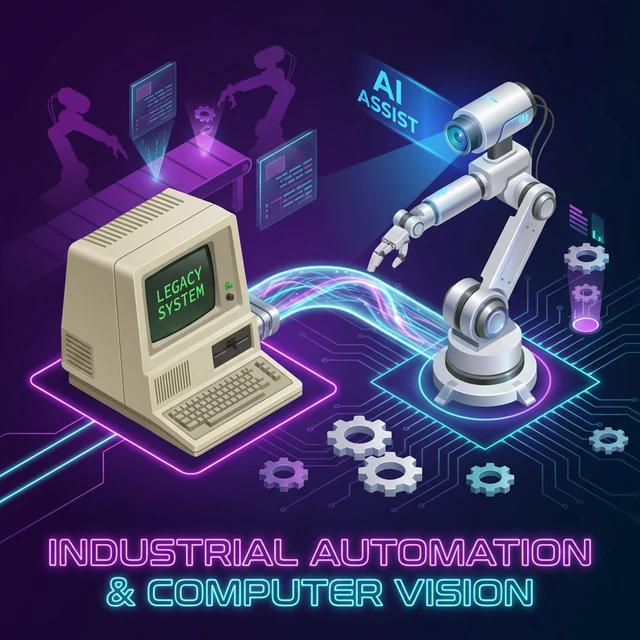
Annotated screens from legacy terminals, SCADA, and banking systems define a visual map of elements, states, and transitions for monitoring, process migration, and interface-driven control projects.

Frames, actions, selected elements, and voice notes come together as a map of practical knowledge for training scenarios, instructions, and automation design.
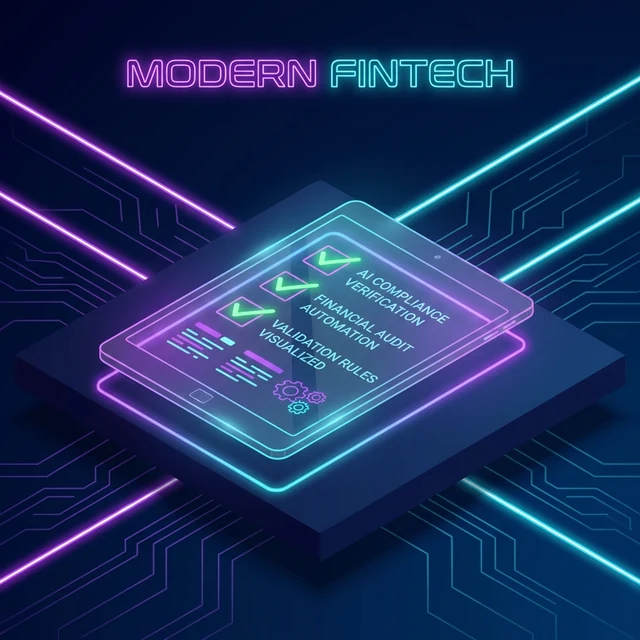
Form fields, states, and validation rules become structured material for control procedures, interface audits, and result-log design.
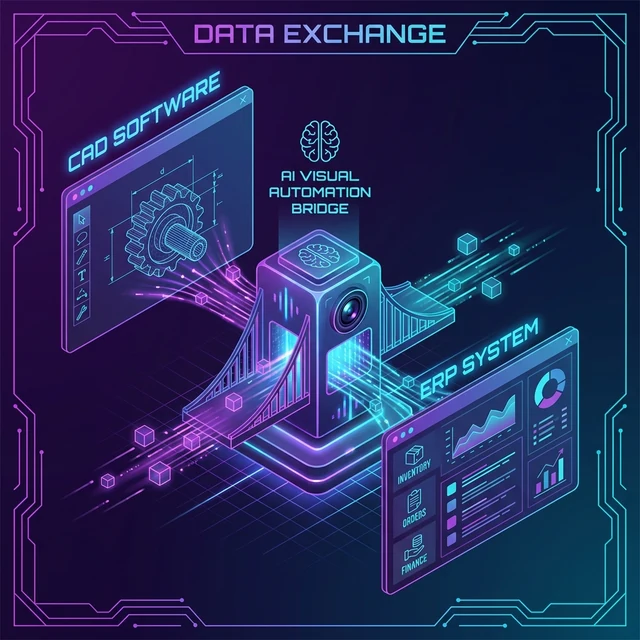
Elements from two closed systems are linked in a shared model of operations and data exchange, providing a basis for interaction scenarios between CAD and ERP, LIMS and spreadsheets, or internal portals.
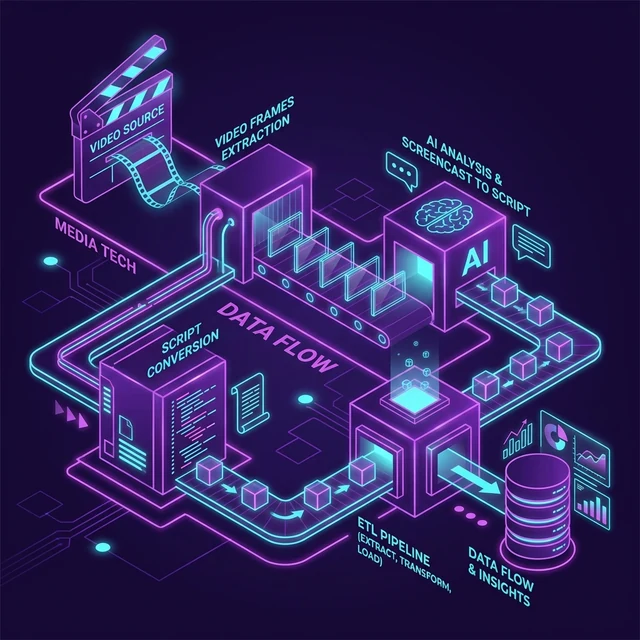
Screencast frames, timestamps, regions, and action descriptions provide material for data extraction, step reconstruction, and process documentation.
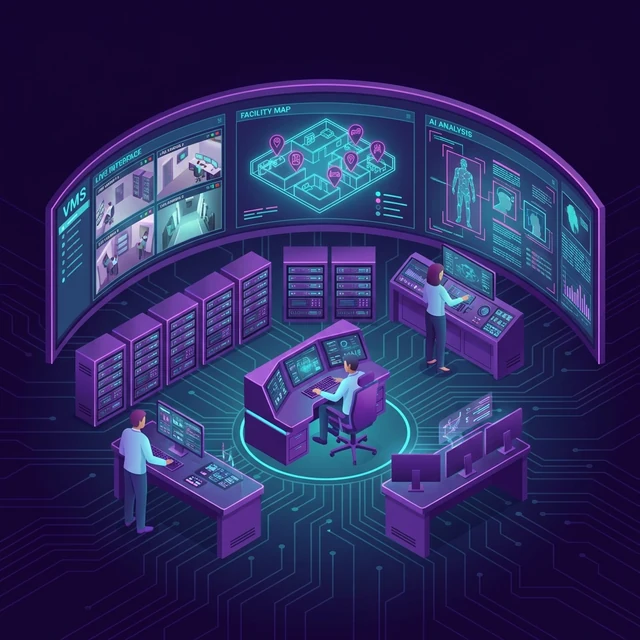
VMS screens, cameras, site plans, and annotated zones create visual context for event research, operator support, and reporting.
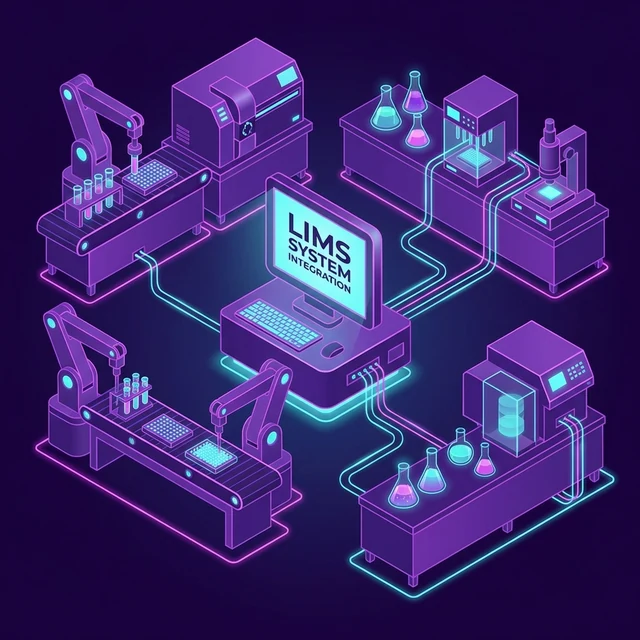
Instrument interfaces, measured values, and action sequences describe a process for protocols, batch processing, and data exchange with LIMS.
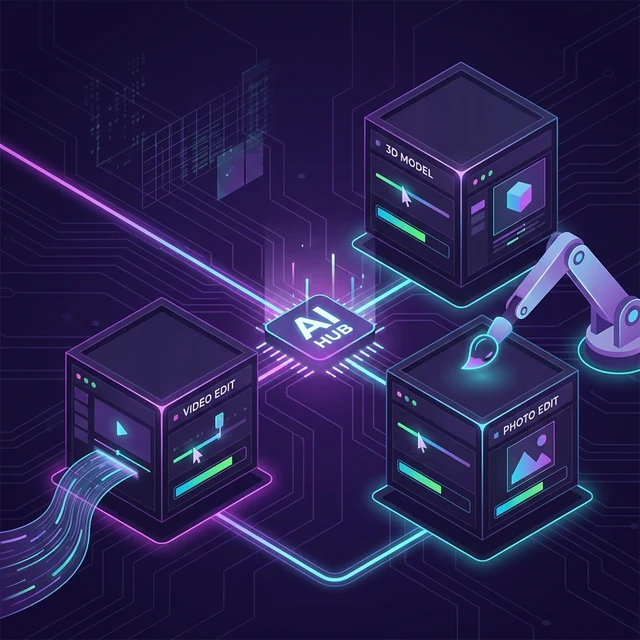
Adobe, DaVinci, and Blender panels are linked to operations, parameters, and transitions. This interface map provides a foundation for batch processing and rendering scenarios.
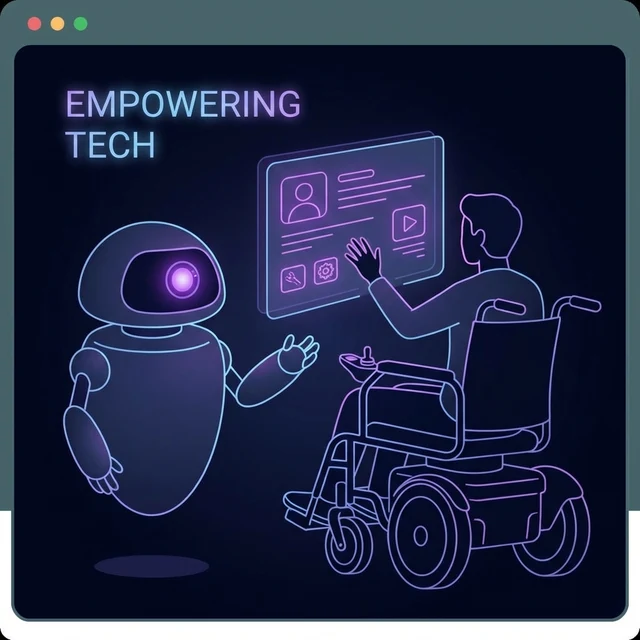
Elements, states, and accessibility requirements define task context for adaptive interaction, navigation support, and analysis of a specific application.
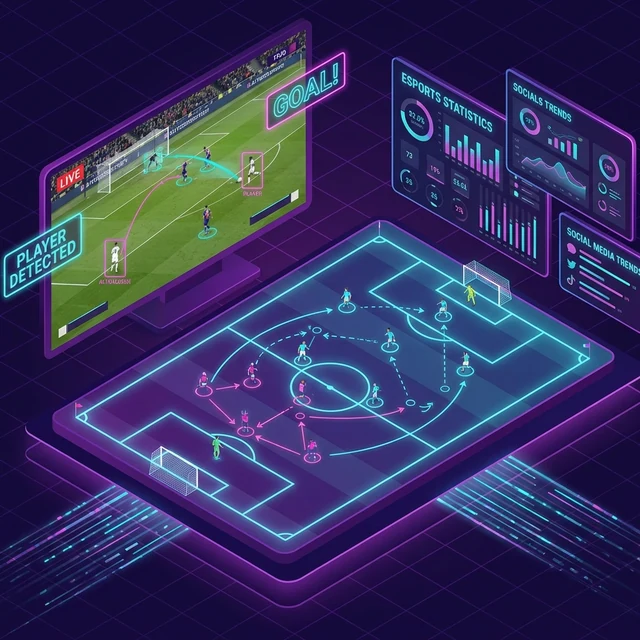
Broadcast regions, timestamps, and event annotations define a data structure for episode classification, clip search, and statistical analysis.

Element purpose, states, and relationships provide organized material for UX checklists, interface comparisons, and analysis of A/B hypotheses.
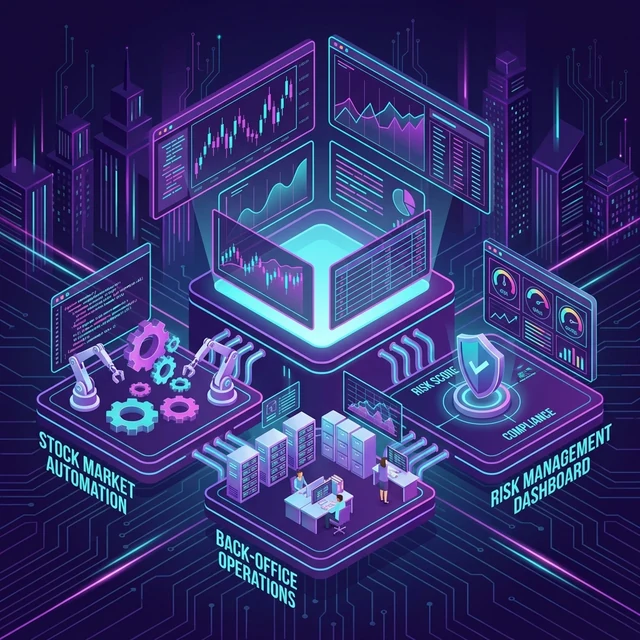
Terminal screenshots and recordings combine action sequences, states, and checkpoints into material for process study, checklist creation, and reporting.

Business-process screens, states, transitions, and time relationships describe the current process for scenario design, bottleneck analysis, and future automation.
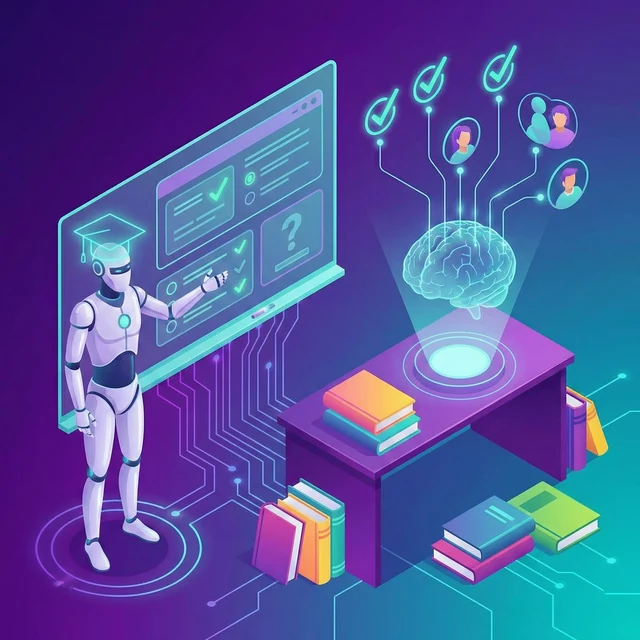
Learning-environment elements, task states, and validation rules provide context for feedback, training materials, and the design of review scenarios.
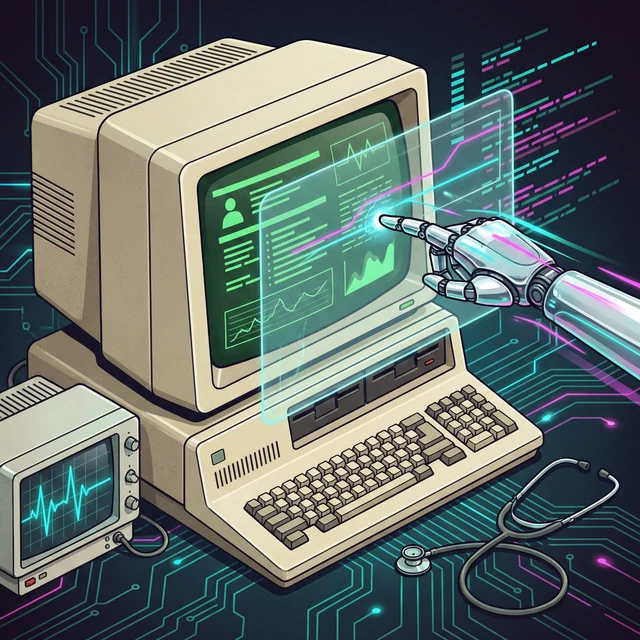
A closed medical system is described as a visual map of elements, states, and interactions for documentation, staff training, and exploration of integration paths.
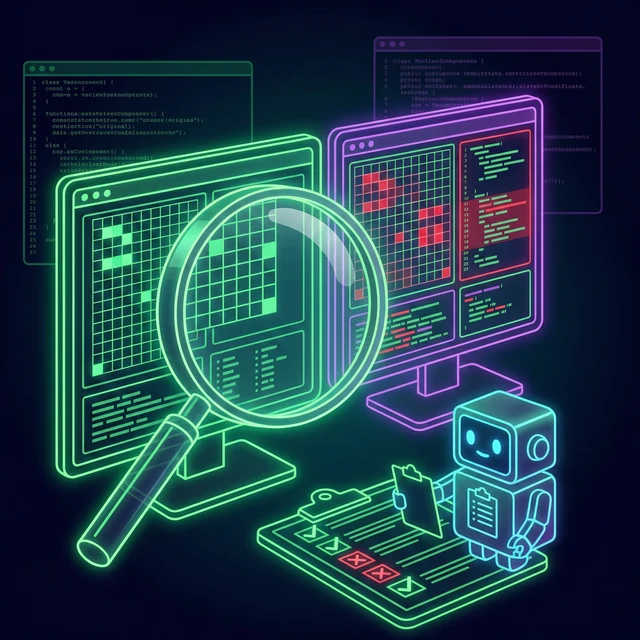
Reference interface states, relevant regions, and comparison rules form a dataset for regression-check design and reporting.

Images of parts and equipment, measurement regions, tolerances, and defect indicators provide context for visual-inspection tasks, state comparison, and preparation of quality-control materials.
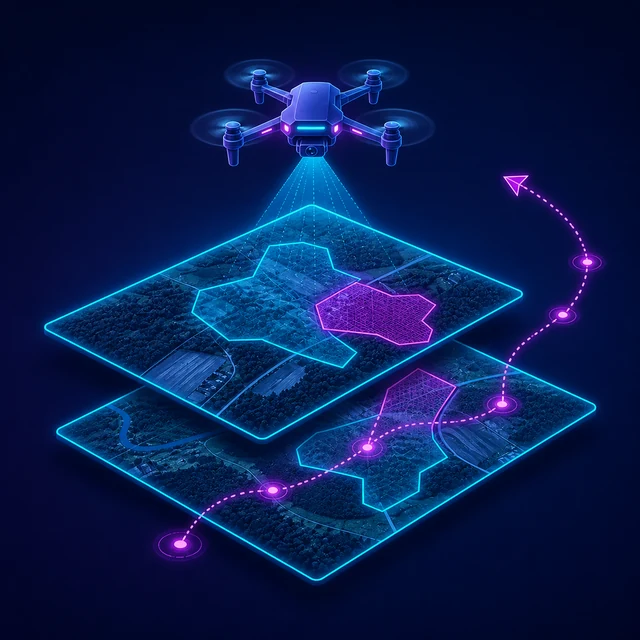
Frames and frame sequences, areas of interest, changes, and trajectories provide a structure for comparing observations, analyzing sites, and preparing data for research tasks.
The project stores schema-versioned JSON, source images, markup, relations, groups and result manifests.
Method data remains a separate result. A proposed change becomes part of the main markup only after an explicit user decision.
Automation execution, external LLM use and code generation have their own dependencies and limitations.
The prepared foundation includes dependency sets and tools for managing them. Some components, models, and connections require separate setup. The contents of a specific installer are checked separately.
For supported components, the managed Screph environment, an existing system installation, and a custom path are available. The selected environment must pass a check for the required dependencies.
Screph Code retrieves the selected task data. Builder can change files in the working folder, so you need a backup copy or version control system before the request, and then check the changes. Running code and GUI-automation are performed separately.
Markup, project persistence and classical CV methods run locally. Cloud speech/LLM providers, model downloads and some integrations require network access.
Projects and images are stored locally. Data is sent only in an explicitly selected cloud workflow involving an LLM or speech recognition. By default, Agent is not allowed to send project images or files.
No. They are experimental workspaces for preview, review of proposed results and separate application of markup changes. A complete production process and autonomous execution are not available.
The project contains a visual source, markup, relations, text and voice descriptions, and computer-vision results. Saved data is used in Screph Code or passed to a supported external tool through a separate action.